Advanced Report Filtering
Filter Logic
By default, multiple filters on a report are combined with AND, meaning a record must match every filter to appear. Salesforce reporting provides more flexibility in report creation by allowing you to specify and give priority to certain filters using Filter Logic. Thus feature lets you control how filters combine, using AND, OR, and NOT, including parentheses for grouping
Adding Filter Logic
After you start making a report of any object type, you can start adding the desired filters to the report on the filter tab. Once at least two filters are added here, you can use the dropdown arrow at the top right of the left panel to select filter logic. 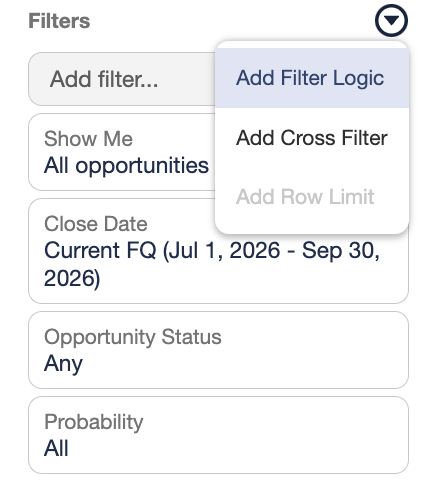
Filter Logic Formulas
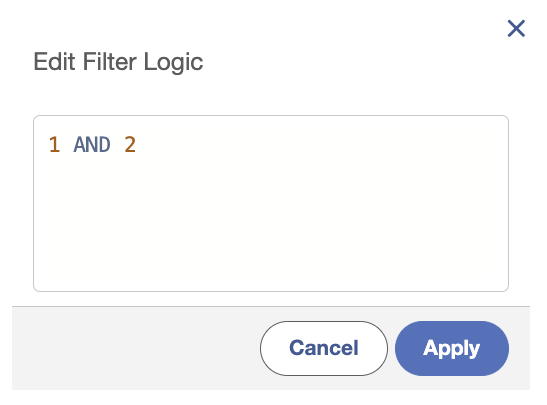
Once the filter logic menu is open you will see that the default value of "1 AND 2" will be shown. (If you have more filters those would be listed with AND as well). This is the logic that is usually applied in reporting, where all filters must apply to the record for it to be included in the report. Each added filter is automatically assigned a number based soon order added, this can be grouped in the formula using parentheses.
Accepted terms: AND, OR, NOT
| Example |
Record will show when: |
| 1 AND 2 | Both filter 1 and 2 apply. |
| 1 OR 2 | Either filter 1, filter 2, or both apply. |
| NOT(1) | Filter 1 does not apply. |
Cross Filters
Cross filter is another feature of salesforce reporting that allows you to filter a report based on the presence or absence of related child records. Unlike a standard filter, a Cross Filter does not let you display fields from the child object on the report, it only has the ability to determine whether the parent record qualifies.
Examples:
- Show accounts with attached opportunities
- Show accounts without contacts
Adding a Cross Filter
After you start making a report of any object type, you can add a cross filter by switching to the filters tab and using the dropdown menu to select "Add Cross Filter". This will open a menu allowing you to specify if you want to show records with or without a secondary object attached.
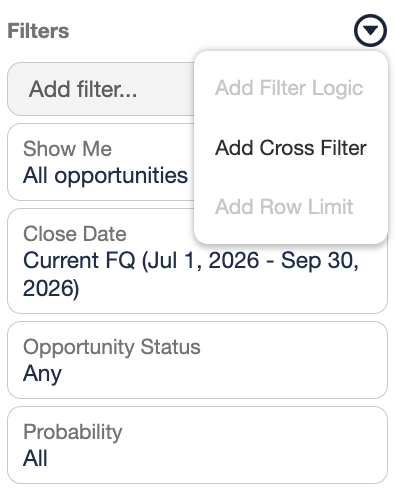
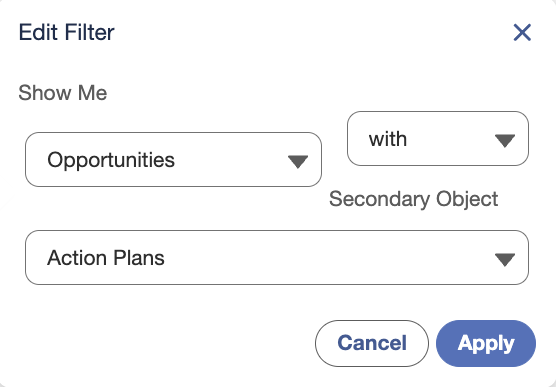
After applying the cross filter and running the report, you should see that the records not matching your cross filter are no longer appearing.
Lock Filters
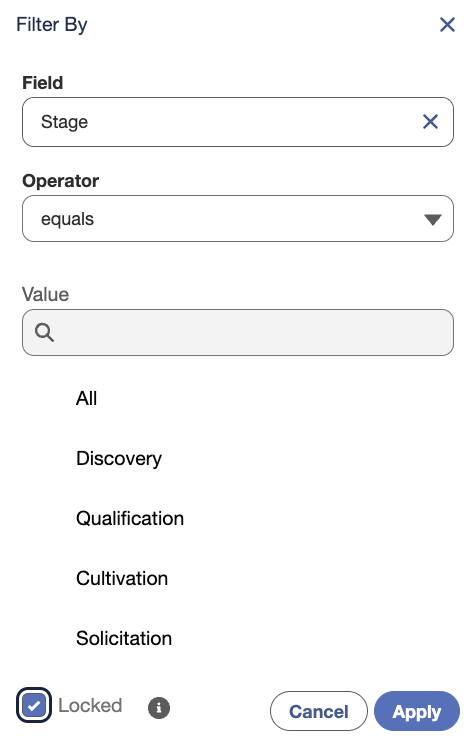
If you are planning on sharing a record with others, a useful security feature provided by salesforce is the ability to lock filters. Normally, anyone viewing a report can change the filter values on the run page, this can be prevented on more essential reports by simply checking the locked checkbox
How to Lock a Filter